Not videos. Not flashcards. Real hands-on labs, AI-generated architecture diagrams, and timed exam simulators built for working professionals.
$ az group create --name rg-lab04 --location eastus
✓ Resource group created (2.1s)
$ az vm create --name vm-web01 --resource-group rg-lab04 \
--image Ubuntu2204 --size Standard_B2s
✓ VM deployed — step 3 of 7 complete
$
Exam simulator
86% Pass
2
Live certs
17
Hands-on labs
7
AZ-104 modules
AI
Generated diagrams
Why BD Cloud Academy
Real Azure resources, real validation at every step. No portal screenshots — you run the commands.
$ az vm create --name vm-web01
✓ VM deployed · step 3 / 7 validated
40 questions, scored like the real thing. Every option — right or wrong — comes with a written rationale.
Score: 86% — Pass
Every slide illustrated with official Azure icons. See how services connect before you build.
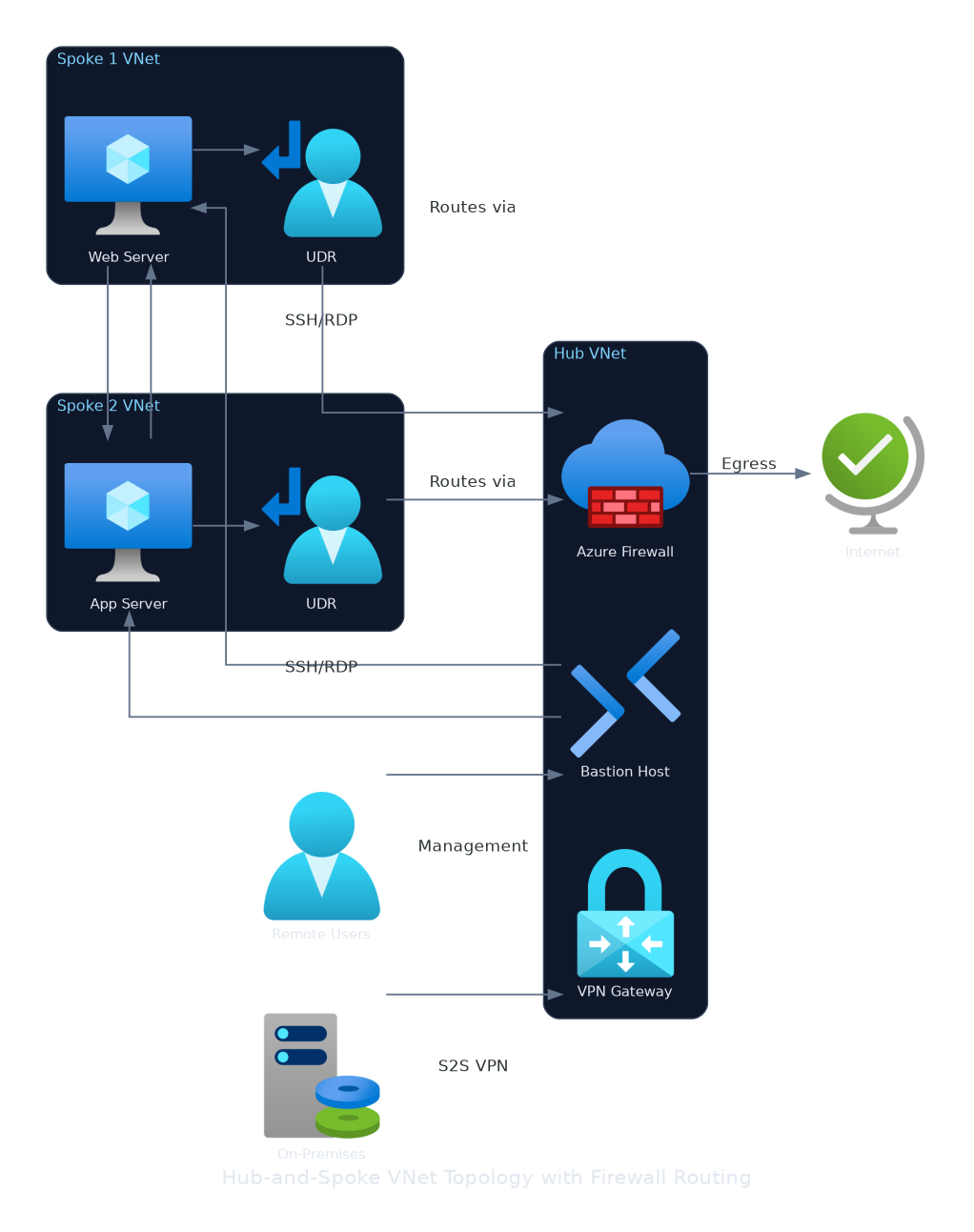
Cloud concepts, core services, identity, governance, pricing, and support.
Official AZ-104T00 curriculum — knowledge checks, exam simulators, CLI labs, and architecture diagrams.
Generative AI, Azure OpenAI, prompt engineering, RAG, and responsible AI.
Modern data pipelines, lakehouse architecture, Microsoft Fabric, and Power BI.
Core services, architecture best practices, security, and cost optimization.
AWS cloud fundamentals, billing, compliance, and global infrastructure essentials.
GCP core services, Kubernetes, IAM, networking, and deploying cloud-native apps.
Google Cloud fundamentals, AI/ML products, data solutions, and cloud strategy.
Create and manage users, groups, and bulk user operations.
Manage subscriptions and implement role-based access control.
Create and assign policies, manage compliance, configure locks.
Create resource groups and manage resources using the Azure Portal.
Deploy and manage Azure resources using ARM JSON templates.
Manage Azure resources using Azure PowerShell and Cloud Shell.
Use the Azure CLI in Cloud Shell to deploy and manage resources.
Create VNets, subnets, NSGs, and configure DNS settings.
Configure VNet peering and test connectivity between virtual networks.
Deploy and configure Azure Load Balancer and Application Gateway.
Create storage accounts, configure access and replication, use AzCopy.
Deploy VMs, configure scale sets, and manage VM extensions.
Create Azure App Service web apps, configure deployment slots.
Deploy containerized workloads using Azure Container Instances.
Create an AKS cluster, deploy applications, and scale workloads.
Configure Azure Backup and Azure Site Recovery for VMs.
Configure Azure Monitor, Log Analytics, and Application Insights.
AWS & Google Cloud labs — coming soon
EC2, S3, IAM, VPC, CloudFormation, BigQuery, Cloud Run and more
